In stock
Secure Payment Methods


How to Disable Tire Pressure Monitoring (TPMS) Management on a Bentley Continental GT:

Secure payment - Information protected

Fast delivery - 90% within 2 to 3 days

Returns within 14 days
How to Disable Tire Pressure Monitoring (TPMS) Management on a Bentley Continental GT:
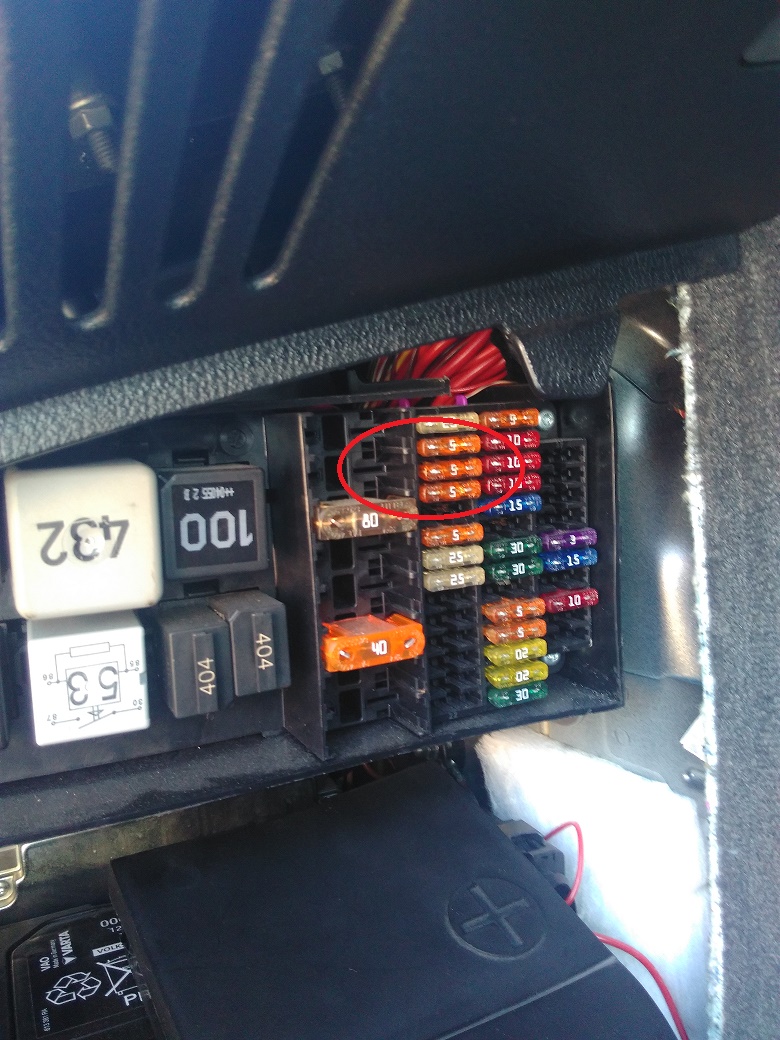
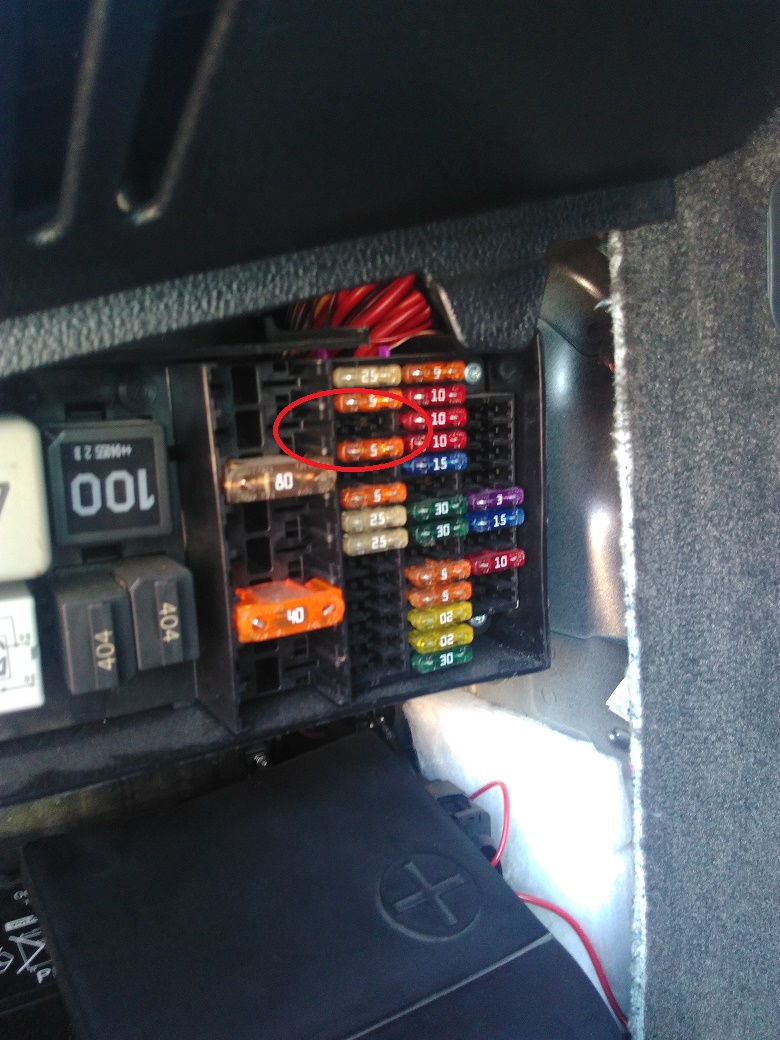
1. Open the trunk. Access the fuse box located at the LEFT of the vehicle, remove the fuse 11 (ignition off).
2. Turn on the ignition and connect your BrainBee B-Touch diagnostic device.
3. Open Controller 7, follow recoding instructions (recode third digit from right to "1") to eliminate TPMS.
4. Close controller 7.
5. Open Controller 19, recode with exactly the same code as it already has (probably something like "0000006").
6. Close controller 19.
7. (optional) Do an auto scan and then clear trouble codes on controllers that appear related to the TPMS (likely controllers 19 and 46).
8. Note: this procedure does not require any recoding for controller 65.
I did this and it worked - the "TPMS Fault" is gone from the Y24. J523 has a "TPMS Unavailable" screen that matches the "Phone Unavailable" screen.
Reference: DOC-NEXUSPRINT
Brand: Brain Bee (*****)
Reference: 21MZFR
Brand: Fluxea (ex Publitest)
All manual service reset methods on more than 400 pages! reset of maintenance indicators after oil change,Note: the following procedures for: tire pressure monitoring system reset (TPMS), electric parking brake release (ideal for changing brake pads), that were in previous editions of this document have been moved and been the subject of a new document.
Reference: DOCGUIDEPOMPE
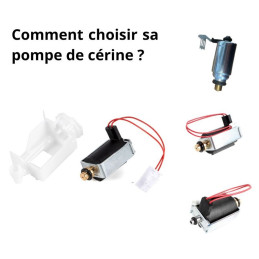
The table below summarizes cerine pump references and their compatibility with various vehicle brands according to engine, power and model year.
How to Disable Tire Pressure Monitoring (TPMS) Management on a Bentley Continental GT: